Your photos · Local edit
GTA 6 Cover Generator
This GTA 6 cover generator builds a poster grid in your browser. Photos stay on your device.
Click a cell to select it, then drag to reposition the photo.
Title uses Open-licensed fonts (SIL OFL), not the official game font.
Runs in your browser. Your text and photos never leave your device.
Fan-made. Not affiliated with Rockstar Games or Take-Two Interactive.
Add your photos, pick a layout and filter, type an optional title, and export. The GTA 6 Cover Generator is a fan layout tool, not Rockstar software. Only use images you have rights to.
How to build a cover
- Layout: Hero, Duo, Quad, or Nine. Layout cards show slot counts.
- Add photo: Use the file button or drag images onto slots. Multi-select fills empty cells in order. Remove photo clears the selected slot.
- Adjust: Click a cell to select it, drag to pan, and use Zoom (1× to 3×) on the selected shot.
- Filter: Original, Sunset, Night neon, or Punchy.
- Title: Up to 24 characters. Toggle Show title off for a pure grid. Title lettering uses the same Classic title treatment as the font tool and sits over the bottom row of the collage with a gradient scrim (not a separate bar below the frame).
- Border, Gap, and Frame color frame the grid. The default frame color is a dark violet.
- Output size: Portrait 1600×2000, Poster 1600×2400, or Square 1800×1800. Format: PNG, JPEG, or WebP. Download or Copy image when ready.
The hint under the preview reminds you to click a cell, then drag to reposition.
Layouts
The GTA 6 cover generator has four grids. Each one fills its cells in order as you add photos, and you can reposition every photo inside its own cell.
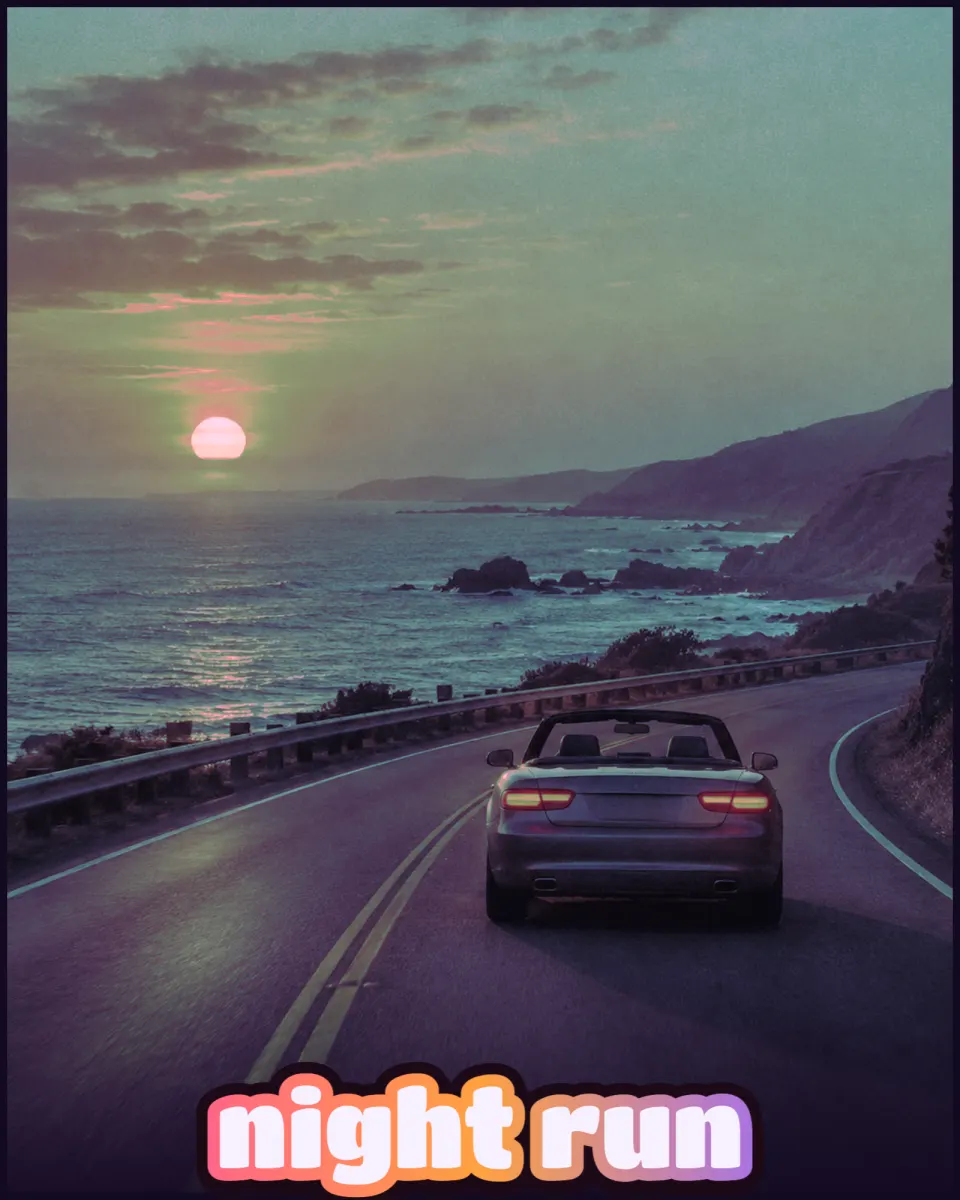
Hero: One full-bleed photo.
Duo: Two columns.
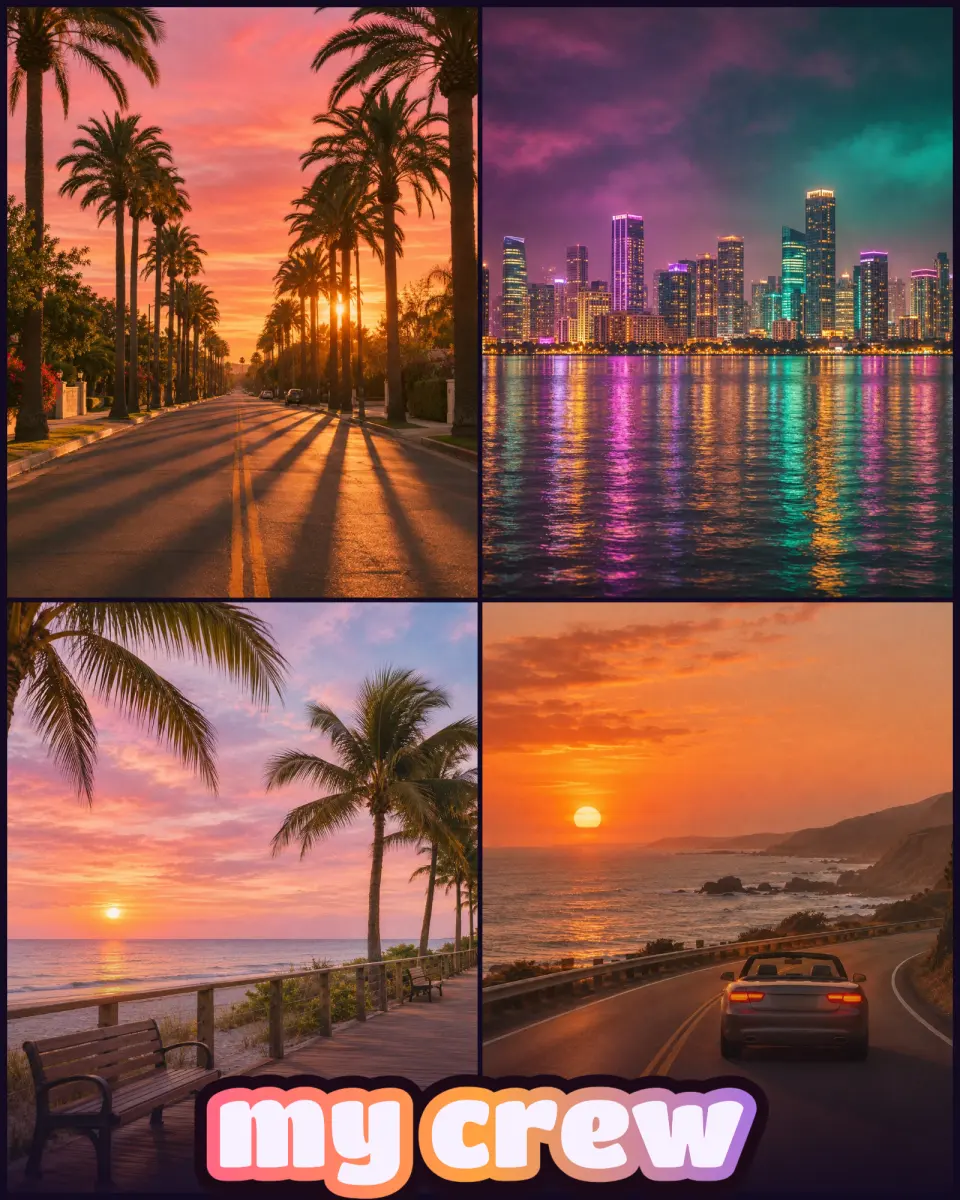
Quad: Four tiles in a 2×2 grid.
Nine: Nine tiles for a mood board.
Filters
Original: No remap.
Sunset: Luminance mapped into pink, orange, and violet.
Night neon: Deep purple, cyan, and pink accents.
Punchy: Higher contrast and saturation.
Privacy and files
Photos stay in browser memory. Replace or remove an image and the tool releases it from memory. Large inputs are scaled before heavy pixel work so the tab stays responsive.
PNG keeps sharp edges; JPEG and WebP trade size for quality. Pick Poster 1600×2400 when you want a tall poster sheet without another app.
Rights
Do not import official GTA VI cover scans, press kits you do not own, or Rockstar logos. Use your own photography, licensed stock, or screenshots you captured yourself where policy allows.
Samples on this page
The exports below are demos, not game captures. The first is a Quad layout with four AI-generated generic landscapes (palm avenue, neon city at night, beach boardwalk, coastal road with a convertible), the Original filter, and the title my crew. The second is a Hero layout with one coastal sunset highway image, the Night neon filter, and the title night run. None of the photos show real people or game screens.
Pair with lettering tools
Use the cover tool for photos and the logo or font tools for type. Stylized lettering without photos lives on the GTA 6 Logo Generator. Standalone text PNGs are on the GTA 6 Font Generator.
Export details
Download stays disabled until at least one photo is in the layout, and the status line says so. The preview is drawn at a lower resolution so dragging stays smooth. The export is rendered at the pixel size you picked.
Portrait 1600×2000 is the 4:5 default. Poster 1600×2400 is 2:3 and fits many print templates. Square 1800×1800 suits grids and avatars. Border runs from 0 to 60 px and Gap from 0 to 24 px.
If you switch layouts, photos you already added stay in the queue and fill the new slots in order. Reset clears them and returns every control to its default.
If Copy image is missing, your browser blocks image writes to the clipboard. Download works either way.
Which filter to use
Sunset suits warm outdoor shots, Night neon suits city photos taken after dark, and Punchy helps flat phone pictures. Original keeps your colors and still adds the frame and title.
Questions about this cover tool
Is this an official Rockstar tool?
No. It is a fan-made layout tool. Do not upload official GTA VI cover art you do not own.
Do my photos get uploaded?
No. Files are read locally in the browser. They are not sent to a server.
Which layouts are available?
Hero (one photo), Duo (two side by side), Quad (2×2), and Nine (3×3). Switching layouts keeps photos in order where slots exist.
What filters can I apply?
Original, Sunset, Night neon, and Punchy. Sunset and Night neon remap luminance into the site palette; Punchy raises contrast and saturation.
Can this work as a poster maker?
Yes. Choose Poster 1600×2400 under Output size. Many people search gta 6 poster maker for the same workflow.
What file types can I export?
PNG, JPEG, or WebP. Pick the format before download.
What if I have no photos selected?
Download stays disabled until at least one image is added. Empty slots show gradient placeholders in the preview.